Can Your PC Run Arknights: Endfield?
Arknights: Endfield needs a GTX 1060 and 16 GB of RAM to start. The official specs, the 90 GB of free space the install really uses, and the best settings.
Contains partner links: we may earn a commission when you install a game, at no cost to you. How we make money
The short answer
- Minimum: a GTX 1060-class graphics card, a Core i5-9400F-class processor and 16 GB of RAM, on Windows 10 or 11 (64-bit).
- Recommended: an RTX 2060-class card and a Core i7-10700K-class processor. Still 16 GB of RAM — you don't need 32 GB.
- Disk: keep about 90 GB free during the install (50 GB for the game plus 40 GB used while files are extracted), on an SSD.
- Mac or Chromebook: no. On computer, Endfield is Windows only.
Pick your graphics card below for an instant answer.
Can my PC run Endfield?
Rig CheckYour PC is ready.
Play Endfield freeEstimate based on public GPU benchmarks and the official requirements; RAM (16 GB) and an SSD matter too.
Official PC requirements
| Minimum | Recommended | |
|---|---|---|
| OS | Windows 10 / 11, 64-bit | Windows 10 / 11, 64-bit |
| Processor | Intel Core i5-9400F or equivalent | Intel Core i7-10700K or equivalent |
| Graphics | NVIDIA GeForce GTX 1060 or equivalent | NVIDIA GeForce RTX 2060 or equivalent |
| Memory | 16 GB RAM | 16 GB RAM |
| DirectX | 11.1 or later | 11.1 or later |
| Storage | 50 GB + 40 GB free while extracting, SSD recommended | Same |
Source: Gryphline's official Steam launch notice (October 2026). The Steam store page lists 60 GB of storage; plan for the larger figure during the install.
What your graphics card can expect
These grades come from our Rig Check: we compare your card's relative performance with the official recommended card (RTX 2060). They are estimates for 1080p, not frame-rate promises.
| Your graphics card | RigCrate estimate |
|---|---|
| RTX 5060, RTX 4060 Ti, RTX 3070, RX 6700 XT, RTX 4070 or better | S — highest settings, plenty of headroom |
| RTX 2060, RTX 3060, RTX 4060, RX 6600, RX 7600, Arc A750 | A — high settings at 1080p |
| GTX 1660 / 1660 Super, RTX 3050 | B — medium settings at 1080p |
| GTX 1060 6 GB, RX 580 / 570 | C — playable on low settings, it meets the minimum |
| GTX 1650, GTX 1050 Ti, laptop Iris Xe or Radeon 780M | D — below the minimum, expect stutter |
The best settings for smooth play
Endfield's graphics menu is detailed. If the game stutters, change these in order — each step gives back more frames than the last costs in looks.
- Image Enhancement. On an NVIDIA RTX card, choose NVIDIA DLSS and start with the Quality mode (Balanced if you need more). On other cards, use TAAU. Some guides mention FSR in the menu; reports on it differ, so test it before relying on it.
- FPS cap. Set it to 60, or to your monitor's refresh rate if your card has headroom. With a cap, you can leave Vertical Sync off.
- Lower the four heavy settings first: Volumetric Fog, Shadow Quality, Screen Space Reflections and Special Effects Quality. Fog is the biggest drain in open areas.
- Keep textures as high as your graphics memory allows. The menu shows an estimated GPU memory use — stay under your card's VRAM and textures cost little.
- Frame Generation (RTX 40 and 50 series): only turn it on if you already get around 60 FPS without it. It smooths motion but adds input delay, and it can't rescue a low base frame rate.
- NVIDIA Reflex: turn it on if you have it — it makes combat feel more responsive.
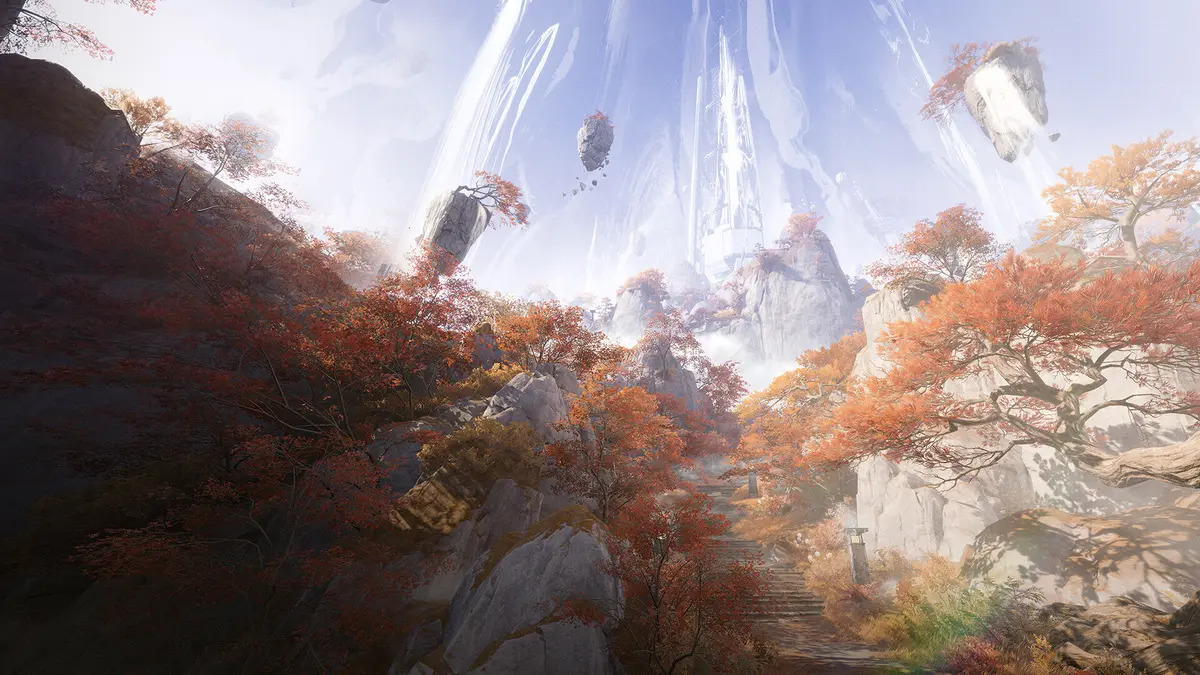
On the editor's mid-range Windows PC, the game ran well and the color palette was the first thing that stood out — so don't sacrifice texture quality before trying the steps above.
Before you install
- Free up about 90 GB on an SSD for the install; the extraction space is released afterwards.
- Where to get it: the official launcher, Steam or the Epic Games Store — it's free on all three.
- Progress follows your account. Link a Gryphline account and your progress carries across devices. The Asia server and the Americas / Europe server are separate, though: pick the right one from the start.
- Want to know what the game is like before downloading? Read our full Arknights: Endfield guide.
FAQ
Will Arknights: Endfield run on a laptop? Yes, if the laptop has a GTX 1060-class graphics card or better and 16 GB of RAM. Integrated graphics such as Intel Iris Xe or Radeon 780M fall below the minimum.
Is 8 GB of RAM enough for Arknights: Endfield? No. Both the minimum and the recommended specs ask for 16 GB of RAM.
How much disk space does Arknights: Endfield need? About 50 GB for the game, plus 40 GB more while files are extracted, so keep around 90 GB free on an SSD during the install.
Does Arknights: Endfield support DLSS? Yes. RTX owners can pick NVIDIA DLSS under Image Enhancement; other cards can use TAAU.
Can I play Arknights: Endfield on a Mac? Not on Mac computers: on PC it is Windows only. It also exists on PS5, iOS and Android.