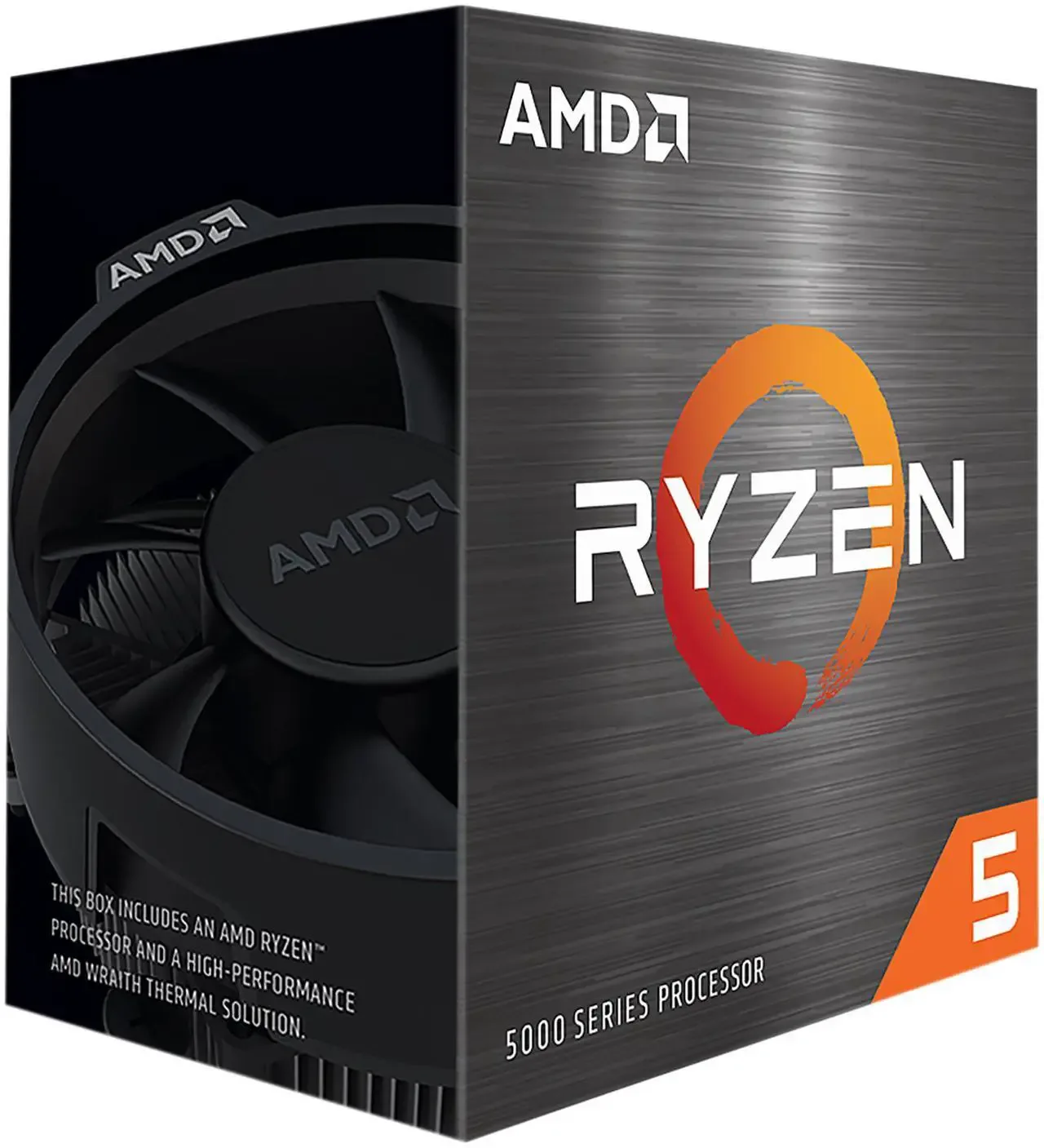
The cheapest path to a genuinely locked 200+ fps in competitive shooters — every part is currently listed, not a discontinued SKU padding out a spec sheet, but 8GB of VRAM and a 6-core CPU mean this rig is built for esports specifically, not general-purpose 1080p gaming.
| Component | Model | Price | Why it’s here |
|---|---|---|---|
| GPU | RTX 3050 8GB | ~$255 | Cheapest current-gen Nvidia card with DLSS support; esports titles don't need more |
| CPU | Ryzen 5 5500 | ~$88 | 6C/12T, no iGPU — enough single-core speed for CPU-bound engines like Apex/Fortnite |
| Motherboard | B450 mATX | ~$55 | Cheapest board that still supports a 5700X3D upgrade later without a platform swap |
| RAM | 16GB DDR4-3200 | ~$36 | 16GB is the practical floor in 2026; DDR4 keeps the platform cheap on AM4 |
| Storage | 500GB NVMe Gen3 | ~$32 | Enough for the OS plus 2–3 esports titles; all three target games are under 120GB combined |
| PSU | 550W 80+ Bronze | ~$48 | Comfortable headroom for this GPU tier with quality-brand reliability |
| Case + fans | Budget mATX, 2 fans incl. | ~$45 | Basic airflow is enough — this build doesn't run hot enough to need more |
Build overview
Most "budget gaming PC" guides optimize for a balance of graphics and frame rate. This one doesn't — it's built for players whose games are Valorant, Apex Legends and Fortnite, where the engine and the monitor's refresh rate matter more than texture quality. At this budget, that distinction changes which parts are worth paying for: a bigger GPU buys almost nothing in Valorant specifically, since the engine is famously CPU- and memory-bound rather than GPU-bound, so the money goes toward a clean, reliable 6-core CPU and 8GB of current-gen GPU instead of stretching for a card this build doesn't need.
Every part below is a currently-listed SKU as of September 2026, not a discontinued card still floating around old comparison charts. Component pricing on GPUs especially moves week to week — treat the numbers here as a same-week snapshot and re-check current listings before ordering.
Parts list & price breakdown
The GPU and CPU below are chosen specifically for esports engines, not general 1080p gaming — that trade-off is deliberate and explained in the FAQ.
The RTX 3050 8GB is currently the cheapest Nvidia card still shipping new, at roughly $255 on major retailers — slightly above its 2022 launch MSRP of $249, but still the lowest-VRAM-per-dollar current-gen option worth buying over used RX 6600-class cards. The Ryzen 5 5500 pairs a 6-core/12-thread Zen 3 chip with no integrated graphics for around $85–90, which matters because Apex Legends' modified Source engine leans on single-threaded draw submission — a clean 6-core chip avoids becoming the bottleneck a 4-core budget CPU would be.
16GB of DDR4-3200 keeps this platform on the cheaper AM4 socket rather than pushing into DDR5-only AM5 boards, without giving up the "16GB is the 2026 floor" rule that applies just as much to esports titles running Discord and a browser in the background as it does to AAA games.
Expected performance
Figures below are aggregated from published RTX 3050 benchmark suites at 1080p, competitive/low-medium settings — not measured on this exact rig.
| Game | Settings | Expected FPS |
|---|---|---|
| Valorant | Low–medium, no upscaling | 250+ |
| Apex Legends | Low–medium | 100–130 |
| Fortnite | Performance Mode | 120–150 |
Valorant clears most 240Hz monitors outright — the limiting factor at this point is per-core CPU speed and memory latency, not the GPU. Apex Legends and Fortnite land solidly in the 100–150fps range rather than the 200+ this build hits in Valorant, because both engines lean harder on the GPU at these settings; Fortnite's Performance Mode specifically is the single biggest FPS lever available and should be enabled first before touching anything else.
The monitor is the rest of this build
At this budget, the panel in front of the machine changes competitive results more than any component in the parts list. Three hundred frames per second into a 60Hz screen is sixty frames per second with slightly lower input latency. The build is designed to feed a high-refresh display; without one, most of what it does is invisible.
How to spend, if the monitor is also on the list:
- 144Hz at 1080p is the floor for this build to make sense, and it is genuinely affordable now.
- 240Hz is worth it specifically for Valorant, which this build clears comfortably, and less so for Apex or Fortnite, where the frame rate lands lower anyway.
- 1080p, not 1440p. At this GPU tier, raising resolution trades away exactly the frame rate the build exists to produce.
- Ignore response-time marketing numbers. Panel makers measure them generously and inconsistently. Refresh rate and adaptive sync are the specs that behave predictably.
If the choice is between this build with a 144Hz panel and a more expensive build with a 60Hz one, take the first every time.
Settings that matter more than parts
On these three games specifically, a free afternoon of configuration is worth more than the next component tier up.
Cap your frame rate slightly below what the system holds in its worst moments. A locked 200 feels better than a swing between 180 and 300, because consistent frame times are what your hand actually reads. This is the single highest-value setting change on the list.
Turn on NVIDIA Reflex wherever the game offers it. It reduces the delay between your mouse moving and the screen responding — separate from frame rate, and it is free.
Fortnite Performance Mode is the biggest single lever in that game, as noted above. Enable it before touching anything else.
Lower the settings that cost frames and buy nothing competitively — shadows, effects, post-processing — and leave the ones that help you see: view distance, and a texture setting high enough that player models read clearly against backgrounds. Turning everything to minimum is a common mistake; some low settings make enemies harder to pick out.
Run the game at native resolution. Upscaling from a lower resolution adds latency for frames this build does not need.
What this build cannot do
Stated plainly, so nobody buys it for the wrong reason:
- Modern AAA at high settings. It is not built for it and will not do it well. Cyberpunk-class games at 1080p high are the RTX 4060 build's job, not this one.
- Streaming while playing, comfortably. 16GB and this CPU will manage a light setup; a serious one wants more of both.
- 1440p. Technically possible, defeats the purpose.
- A big GPU upgrade later. The 550W supply and the AM4 platform both have real ceilings. This is a machine that does one thing well now, not a base to grow from indefinitely.
Should you buy used instead?
At $500, the used market is a genuine competitor, and it would be dishonest not to say so.
Where used wins: a previous-generation GPU from the tier above, bought carefully, often beats anything new at this price. This is the single component where the used market offers the biggest jump.
Where used loses: power supplies and storage. A PSU is the component whose failure can take others with it, and its capacitors age; an SSD arrives with write history you cannot see. Buy both new.
The honest middle path: new platform — motherboard, CPU, memory, PSU — with a used GPU from the tier above. That configuration usually beats an all-new build at this budget, at the cost of no warranty on the one expensive part. Whether that trade is right depends on how much a dead card in six months would hurt.
Upgrade path
The B450 board and 550W PSU leave a clean upgrade route: a Ryzen 5 7500F-class jump isn't possible without a platform change (AM4 tops out around the 5700X3D), but the 5700X3D itself is a drop-in upgrade on the same board and socket when the budget allows, with no BIOS or PSU changes needed. The GPU is the harder ceiling — 550W is enough for this card, not a meaningfully larger one, so a GPU upgrade later likely means a PSU swap too.
Who this build is actually for
This is a single-purpose machine, and it's worth being blunt about that before the parts list looks tempting for the wrong reason. If Valorant, Apex Legends or Fortnite are the only games that matter, this is close to the cheapest way to get a genuinely locked triple-digit frame rate with parts that are all still in production — not a used-market scavenger hunt for a discontinued GTX 1660 Super. If the games list includes anything demanding — Cyberpunk 2077, Baldur's Gate 3, most 2026 AAA releases — this specific combination of 8GB VRAM and a Zen 3 six-core will show its ceiling fast, and the step up to an RTX 4060-class build (see RigCrate's RTX 4060 budget build) buys a genuinely different tier of headroom rather than a marginal gain.
FAQ
Why not spend more on the GPU and less on the CPU? Because two of the three target games (Apex Legends, Fortnite) are more CPU-bound than most players expect at 1080p low-medium settings, and Valorant specifically barely touches the GPU at all. A bigger card would raise the AAA-game ceiling this build deliberately doesn't chase.
Can this build play anything besides esports titles? Yes, but expect to drop settings hard. 8GB of VRAM and a 6-core Zen 3 chip aren't built for 2026 AAA releases — see RigCrate's RTX 4060 budget build if that's the actual use case.
Is $500 realistic, or is $540–580 the real number? $540–580 is the honest current-pricing total. Hitting $500 on the nose usually means catching a sale on the GPU or motherboard rather than assuming it as a baseline.
Sources
- Component pricing — aggregated from major US retailer listings and price-tracking services (camelcamelcamel, bestvaluegpu), September 2026
- GPU/CPU specifications — manufacturer spec sheets (Nvidia, AMD)
- In-game FPS figures — aggregated from published third-party benchmark suites (betterfps.com, howmanyfps.com), not tested by RigCrate on this exact configuration
Strengths
- Valorant runs at 250+ fps, comfortably above most 240Hz monitor ceilings
- Every part is a currently-listed SKU, not a discontinued bargain-bin card
- AM4 platform means a cheap CPU upgrade path (Ryzen 5 5700X3D) without a new motherboard
- 16GB is enough headroom to alt-tab to Discord/browser without stutter
Weaknesses
- 8GB VRAM and a Zen 3 6-core CPU will struggle outside esports — this is not a build for Cyberpunk 2077 or Baldur's Gate 3
- 550W PSU leaves little headroom for a GPU upgrade beyond this tier
- $500 on the nose requires catching a sale; $540–580 is the realistic street-price total